Rerun 0.26 - ROS2 reflection, transform performance and more

Last week, we released Rerun 0.26. It brings about improvements to UX, production readiness, and new capabilities. This post will cover the key changes, but check out the full changelog for all the details.
New capabilities
In Rerun 0.26, we've added several new features and improvements to (🥁drumroll🥁, please) help you visualize and analyze your robotics data more effectively.
No-code ROS2 interpretation
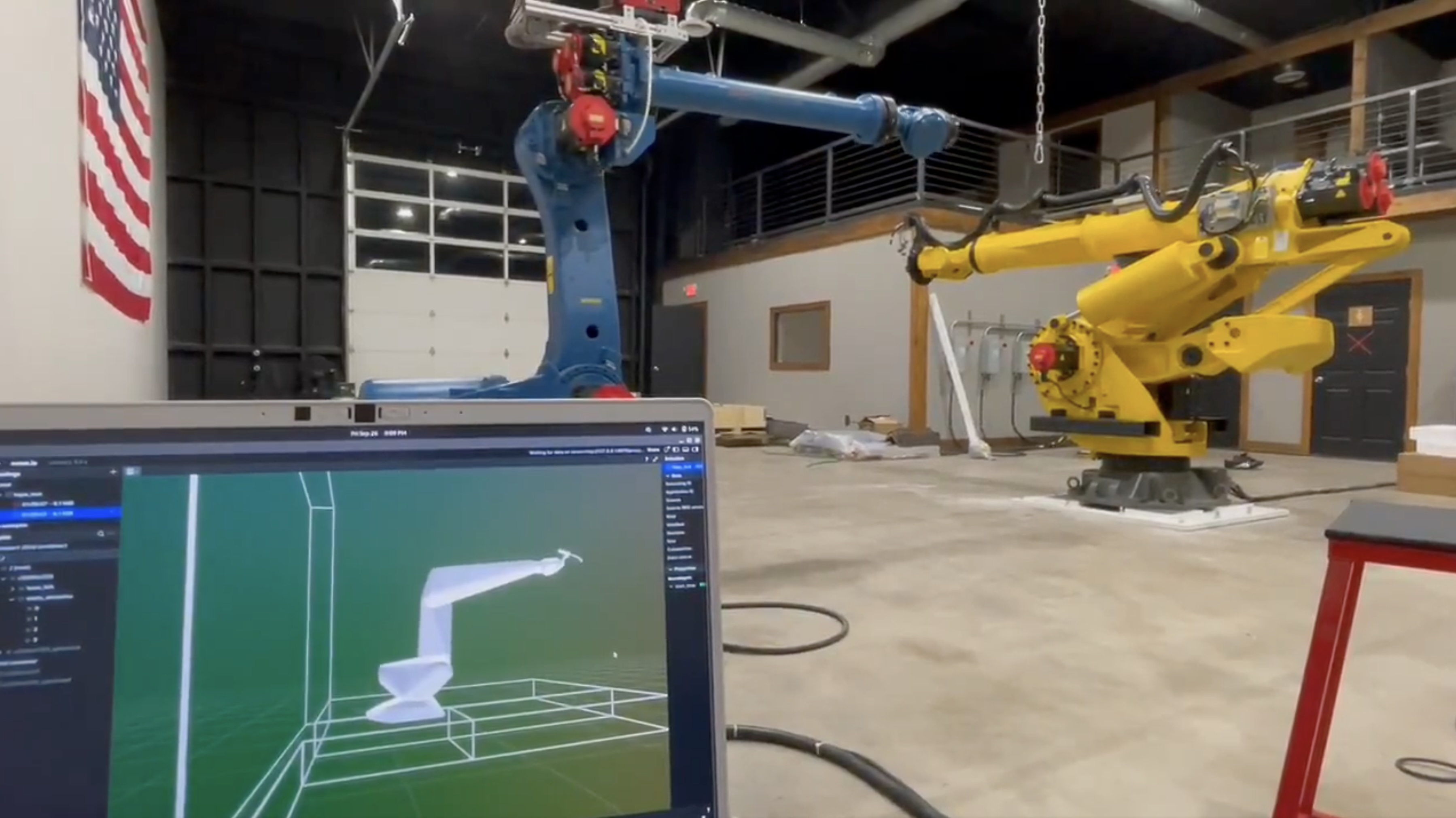
Building on our experimental MCAP support from 0.25, we're excited to introduce reflection-based ROS2 message deserialization. This means Rerun can now dynamically parse arbitrary ROS2 MCAP messages into Arrow data by reading message definitions at runtime - no code generation or message compilation needed.
Just point Rerun at your ROS2 bag:
rerun your-ros2-bag.mcapThis works with custom message types out of the box, eliminating a friction point for ROS2 users. Whether you're working with standard ROS2 messages or proprietary custom types from your robot platform, Rerun can now handle them automatically.
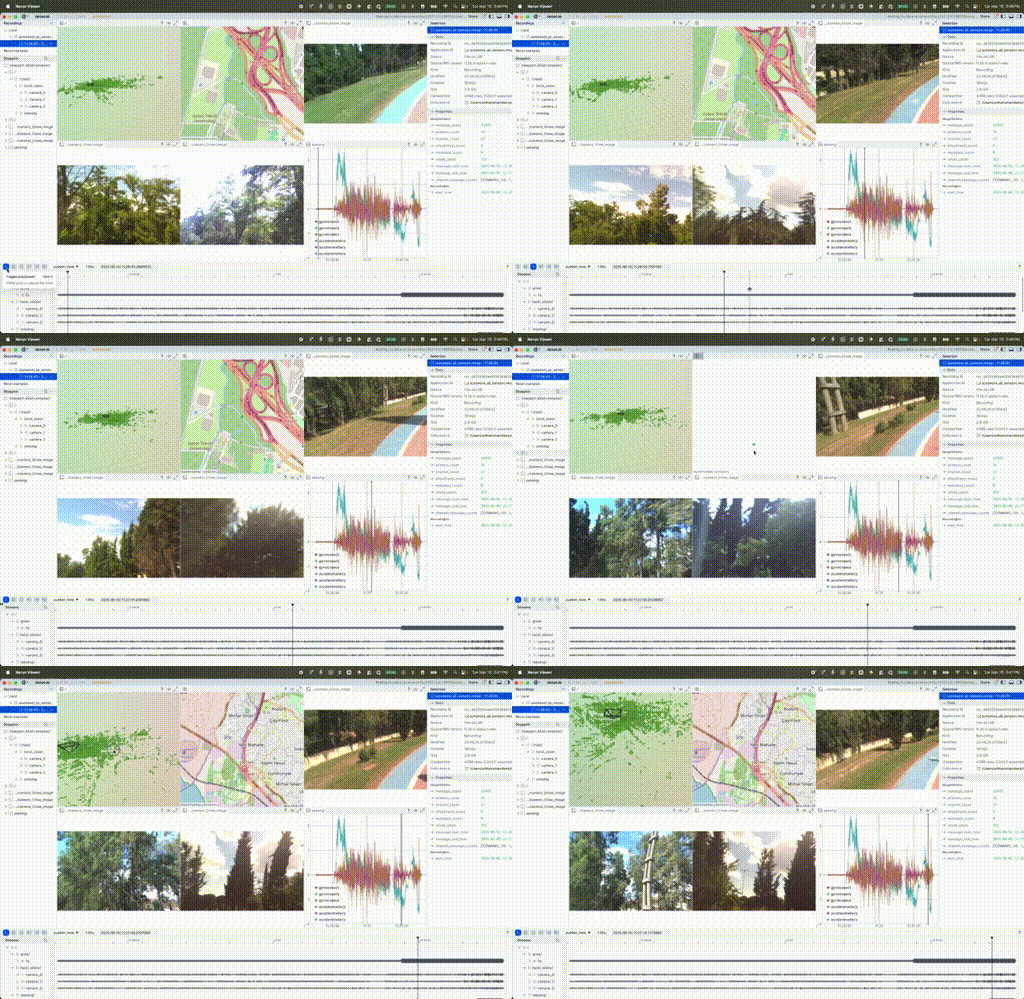
As a reminder, MCAP support is still experimental and subject to change.
Performance improvements
Below are some of the performance improvements we've made in this release.
Faster handling of transforms, especially with many views
We've completed a small refactor of how Rerun processes transform hierarchies. Previously, transforms were processed once per view - now they're processed once per frame.
In scenes with complex transform trees (think multi-robot scenarios or articulated robots with many joints), this can deliver performance improvements. Together with other improvements, scenes with many entities & transforms may perform several milliseconds faster per frame.
This is part of us gearing up for better support robotics workflows that rely on ROS TF-style transform data with deep hierarchies updating in real-time.
Stay tuned for more updates in that area - we're actively working right now on better TF-style transform support and more performance improvements in this area!
User Experience improvements
More table filtering
Building on the table filtering we introduced in 0.25, we've expanded support with new capabilities:
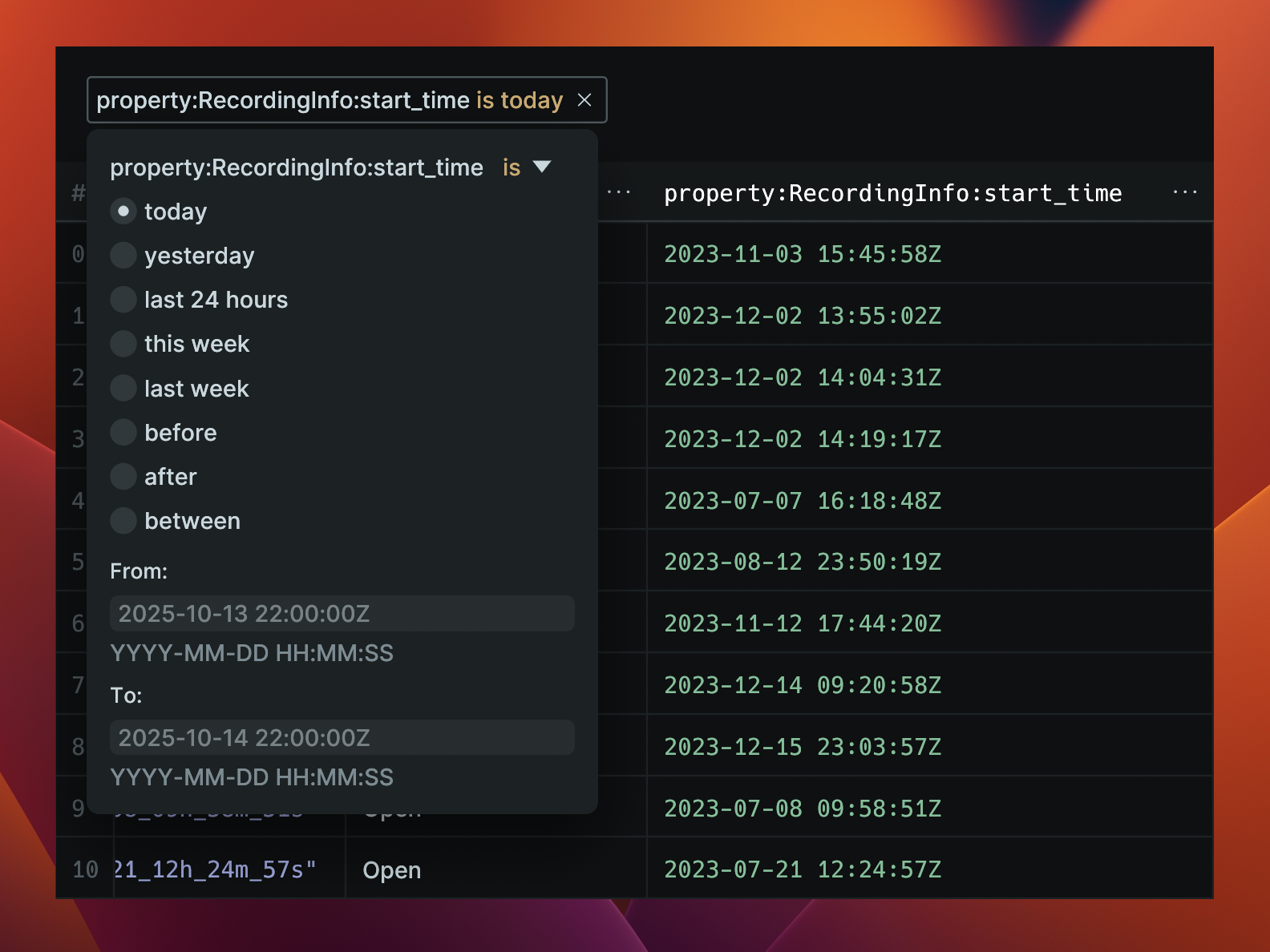
- Timestamp filtering to isolate data in specific time ranges
- String operators including "starts with", "ends with", and "does not contain"
- Enhanced null handling for cleaner filtering logic
These improvements make it much easier to find specific data points in large datasets and bridge the gap between spatial visualization and data analysis. Filter your spatial data like a proper database with intuitive SQL-like operations.
Blueprint improvements
More settings are now configurable in blueprints. You're now able to set graph and plot background colors, timeline playback speed or FPS, choice of timeline, and current time cursor. These settings will help create consistent workflows between viewer sessions. They also help provide a more consistent experience when cycling through multiple recordings.
These blueprint settings are configurable in the SDK or directly in the viewer.
If you haven't experimented with blueprints yet, you're missing out! Next time you have a view configuration you like and want to save, try "Save blueprint..." from the application menu in the top right of the viewer. Now you can load this configuration file through the CLI, SDK, or drag-and-drop into the viewer itself.
We are also releasing some videos on how best to use blueprints on the Rerun YouTube channel, subscribe for updates.
Web viewer timeline persistence
Web viewer URLs now preserve paused timeline positions and mark valid data ranges when using range-limited URLs. Share links that jump to specific moments in your data - perfect for bug reports, collaborative debugging, and highlighting specific events to colleagues.
Python SDK ergonomics
We've made several quality-of-life improvements to the Python SDK:
- More keyword arguments for better IDE autocomplete
timeout_secargument for flush operations- Custom
NotFound/AlreadyExistsexceptions for more Pythonic error handling - Module definitions for all pyclasses
These changes make the Python API more discoverable and easier to debug.
Viewer & UI updates
We've added numerous small improvements that make daily workflows faster:
- Copy buttons for recording links and table items
- Context menu for server entries
- Copy functionality for partition names and selection items
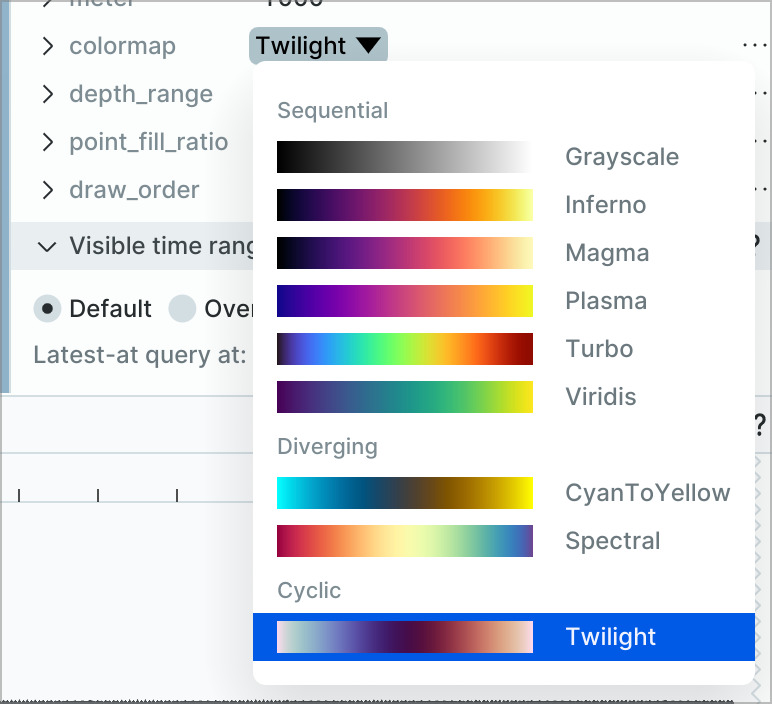
- Spectral colormap option for better scientific visualization of continuous data ranges
Video playback improvements
We fixed several edge cases in video parsing and playback, including constant frame size videos, out-of-order samples, and missing keyframes. Better error messages help diagnose video issues quickly - important for computer vision and robotics workflows that rely heavily on video data.
Breaking changes
See the migration guide for the details on any breaking changes in this release.
In closing
We're excited to share that Rerun 0.26 is now available on GitHub and PyPI. We hope you enjoy the new features and improvements, and we look forward to seeing what you build with Rerun.